





Free Image to Image AI Generator Online
Need to convert image to picture with new styles? Try Pokecut's advanced image to image AI. Perfect for e-commerce, design, and social media content.


Why Should You Choose Pokecut's AI Image to Image Generator?
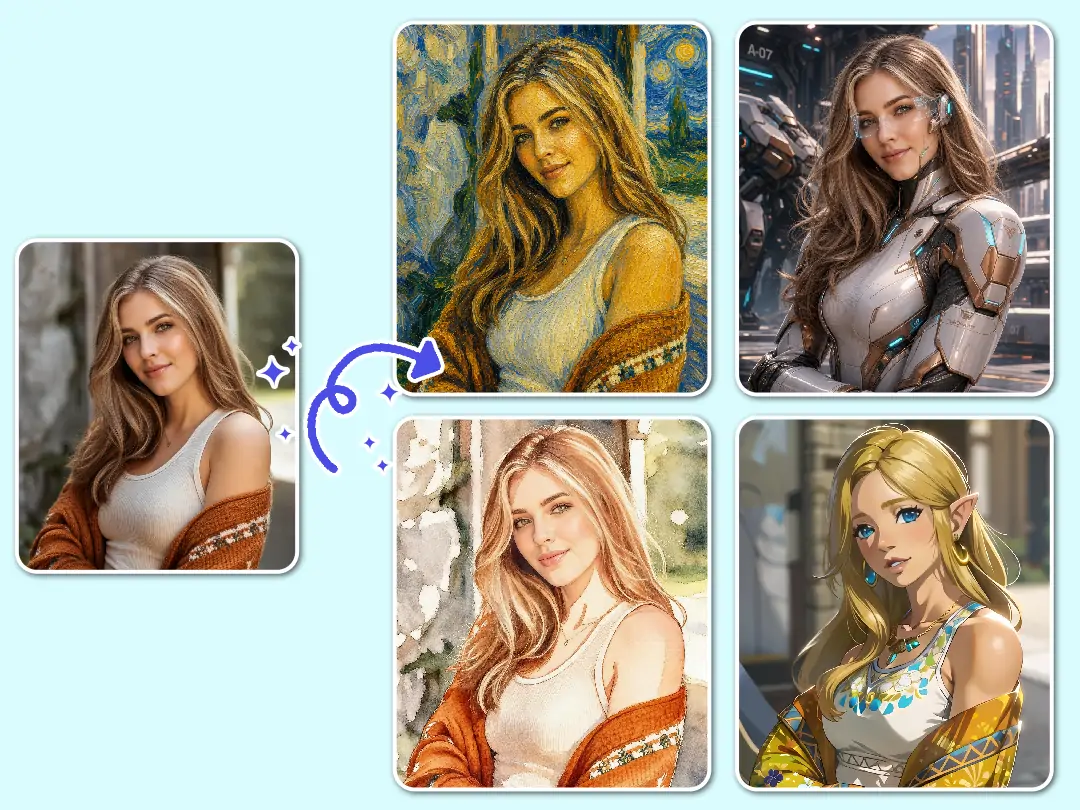
Turn One Photo into Various Fresh Visual Style
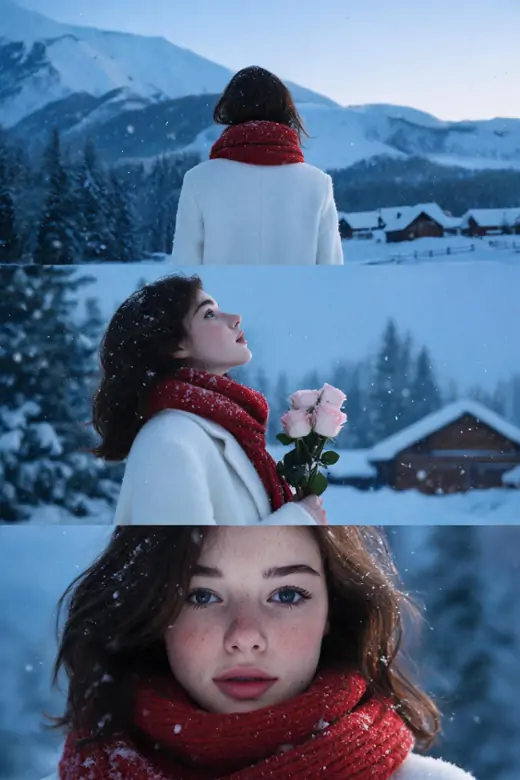
Start with a photo you already like, then use Pokecut as an image to image converter to push it into a fresh look without rebuilding the picture from scratch. A selfie can become a soft anime portrait, a simple product shot can lean into a poster mood, and a plain travel photo can feel more cinematic while the subject still stays recognizable.
This is useful when you want to convert image to picture ideas for an avatar, a social post, or a quick creative draft. You keep the composition and the person or object in place, then guide the new style with a short prompt instead of learning layers, masks, or manual blending.
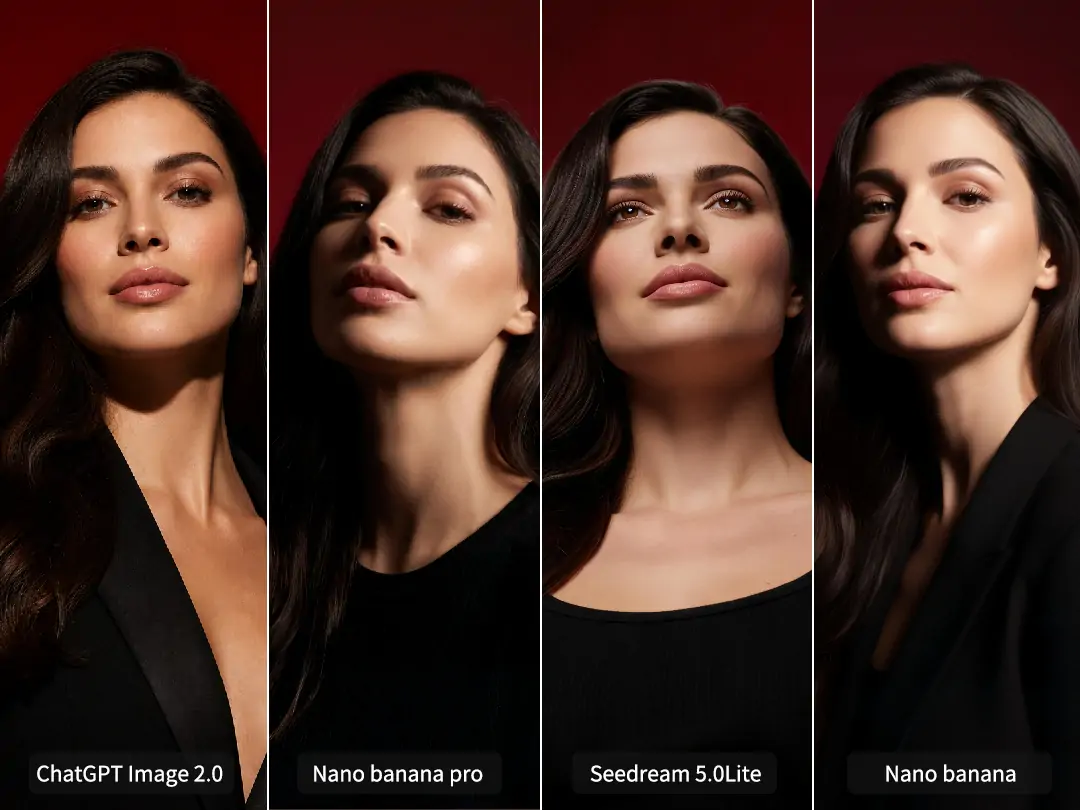
Access Top AI Models That Fits Your Photo Look
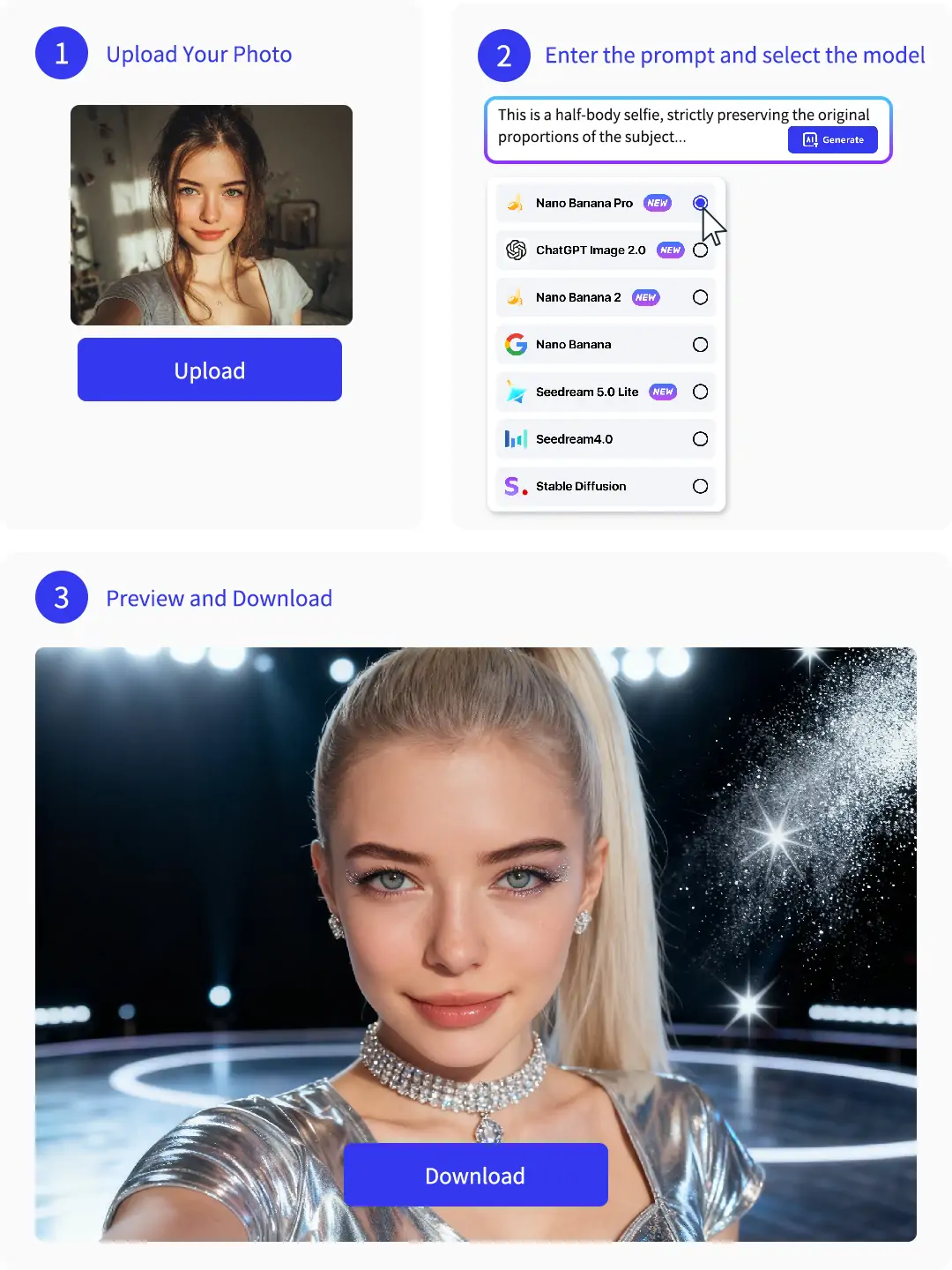
Different edits need different image-to-image models. Pokecut lets you choose from several AI models, including ChatGPT image 2.0, Seedream 5.0 Lite, Nano Banana 2, and Nano Banana Pro.
ChatGPT image 2.0 is a good choice for natural image edits, clean composition, and realistic everyday changes. Seedream 5.0 Lite is better when you want faster results for simple edits or quick creative drafts. Nano Banana 2 works well for stylized visuals, character scenes, and playful creative concepts. Nano Banana Pro is better suited for high-quality portraits, cleaner facial details, product images, 3D-style renders, and polished social media posters.
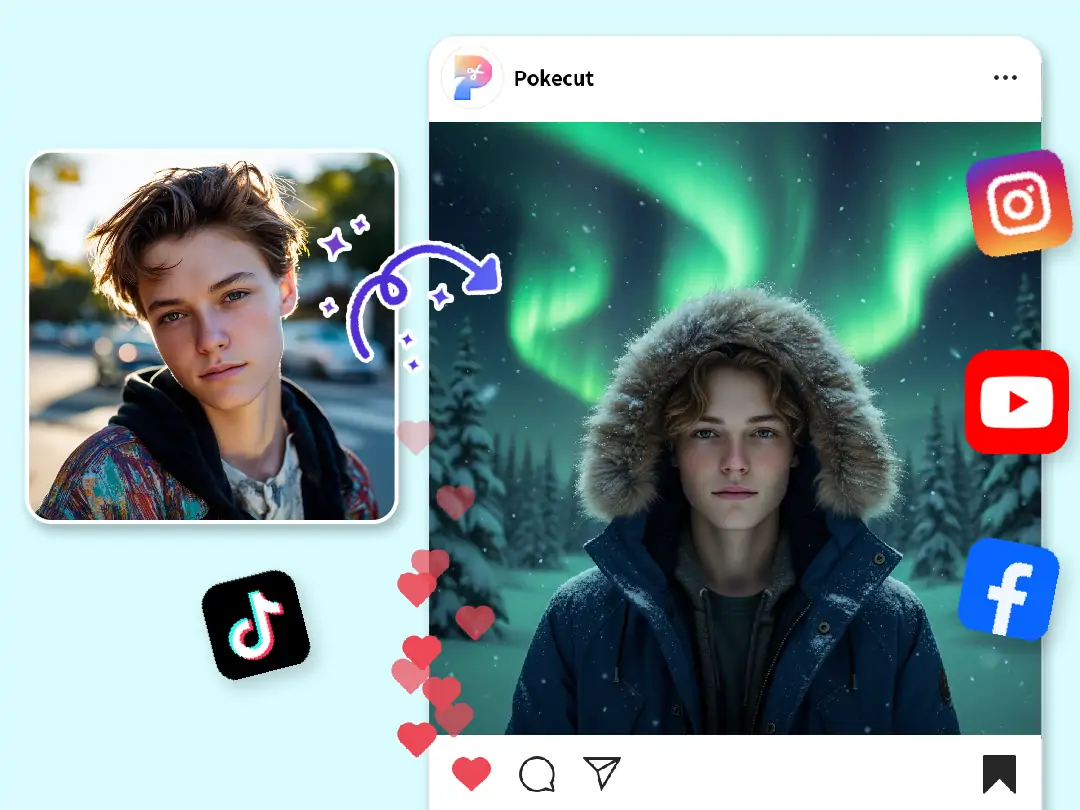
Create Viral Social Trends People Want to Share
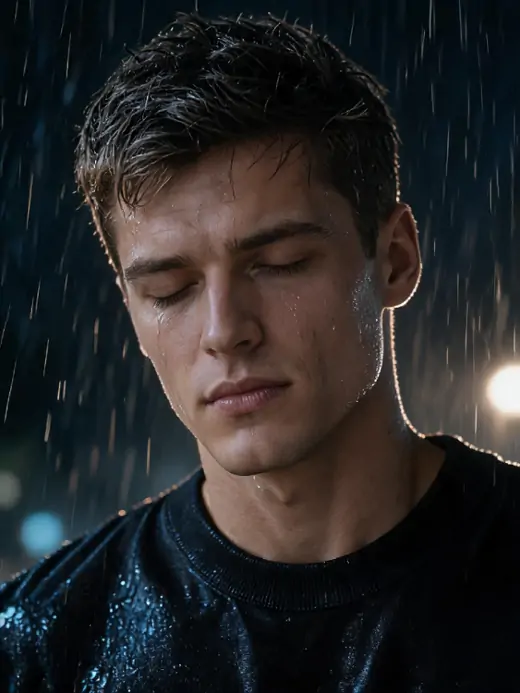
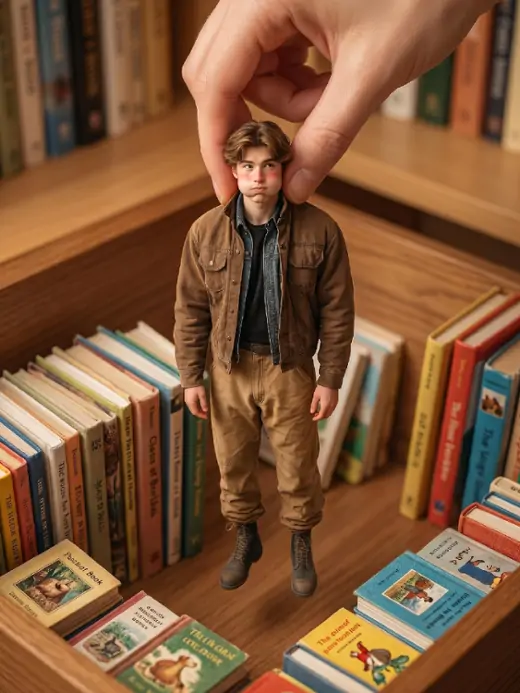
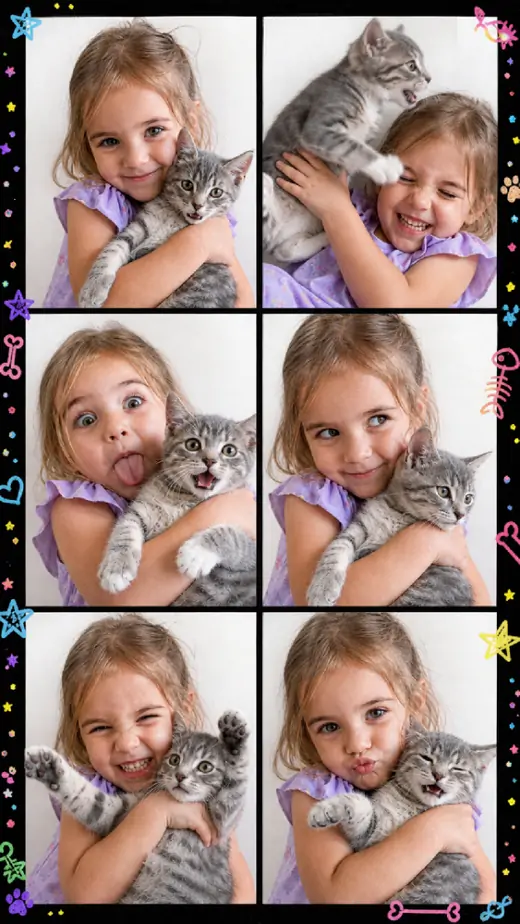
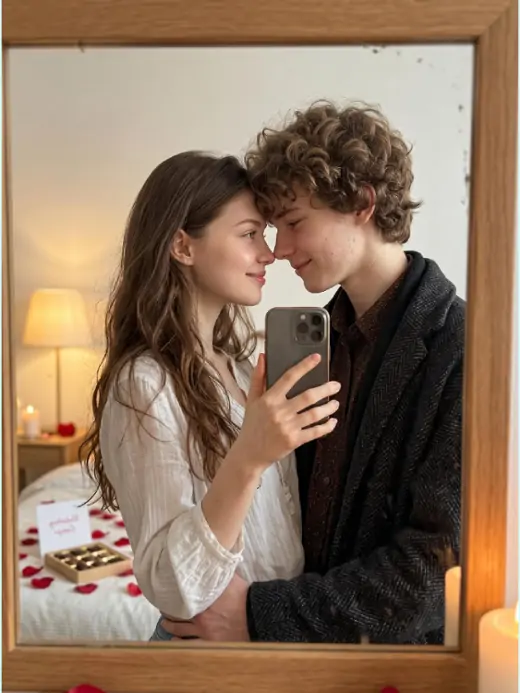
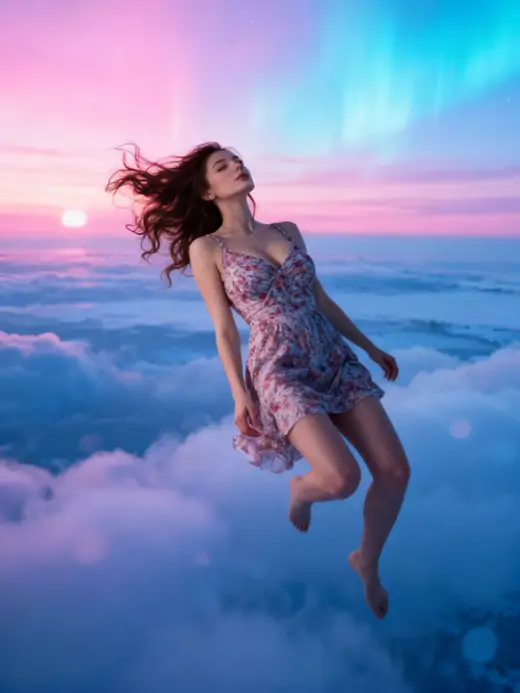
When a trend moves fast, you do not always have time to plan a full shoot. Pokecut works as an ai image to image generator for playful social effects, using your own photo as the base. You can try a rainy street portrait, an elevator group-photo mood, a face swap idea, an older or younger version of yourself, an aurora scene, or a desktop figurine style.
The point is not to bury the original photo. A good ai picture transformer keeps the person easy to recognize while changing the story around them. That makes it easier to create images for TikTok, Instagram, profile updates, or private chats without asking a designer for every small idea.
What Does Our Image to Image AI Offer for Portrait Editing?
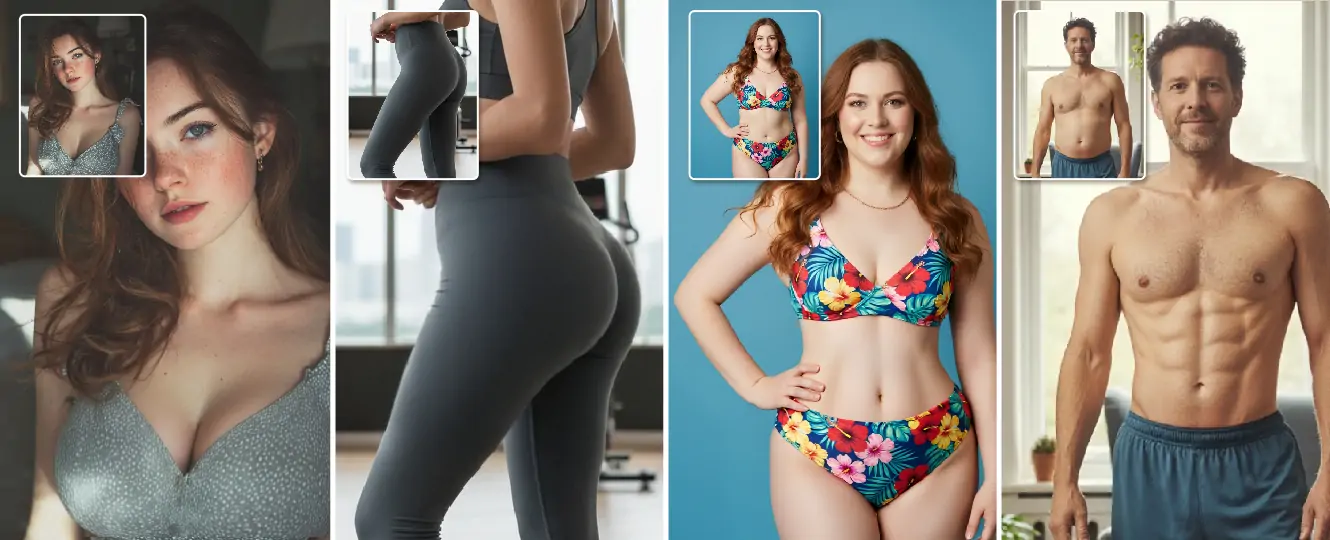
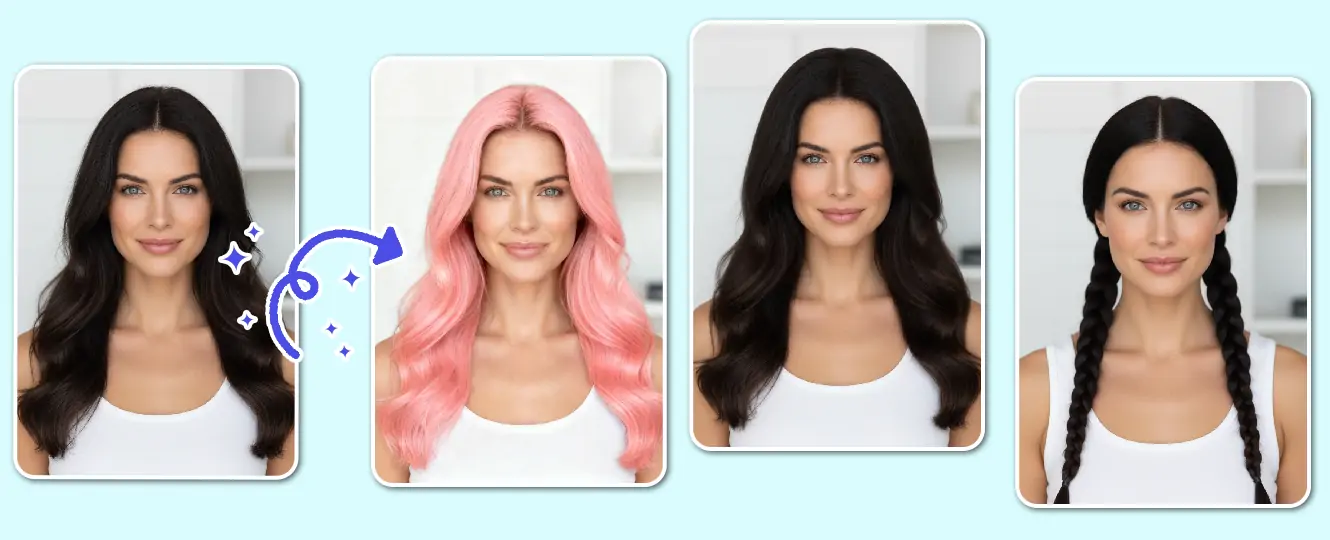
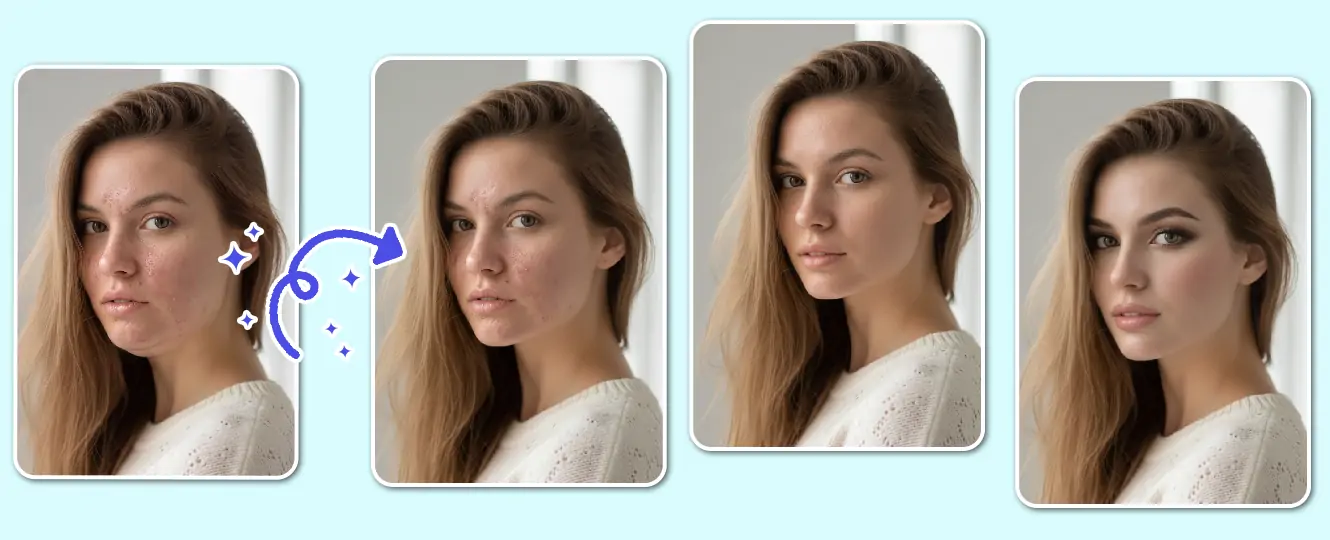
What Daily Life Tasks Can Our Image to Image AI Simplify?
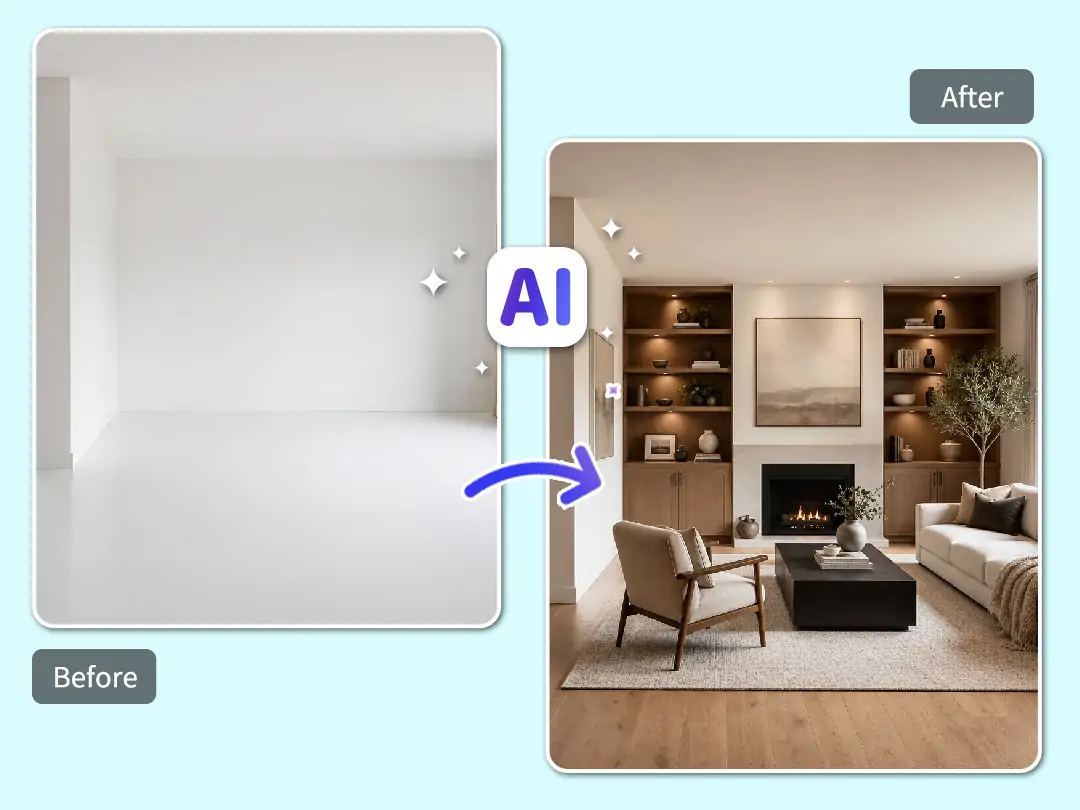
Plan Interior Design Ideas
Redesign your living space easily and quickly. Upload a photo of your empty room to see new decoration styles instantly. Our image to image converter helps you visualize different furniture layouts. You can try modern or vintage looks before buying anything.
Save money on hiring professional decorators. This smart tool acts as your personal digital home designer. Using this free image to image generator, you can turn rough room sketches into realistic interior renders. It makes home planning fun and stress-free.
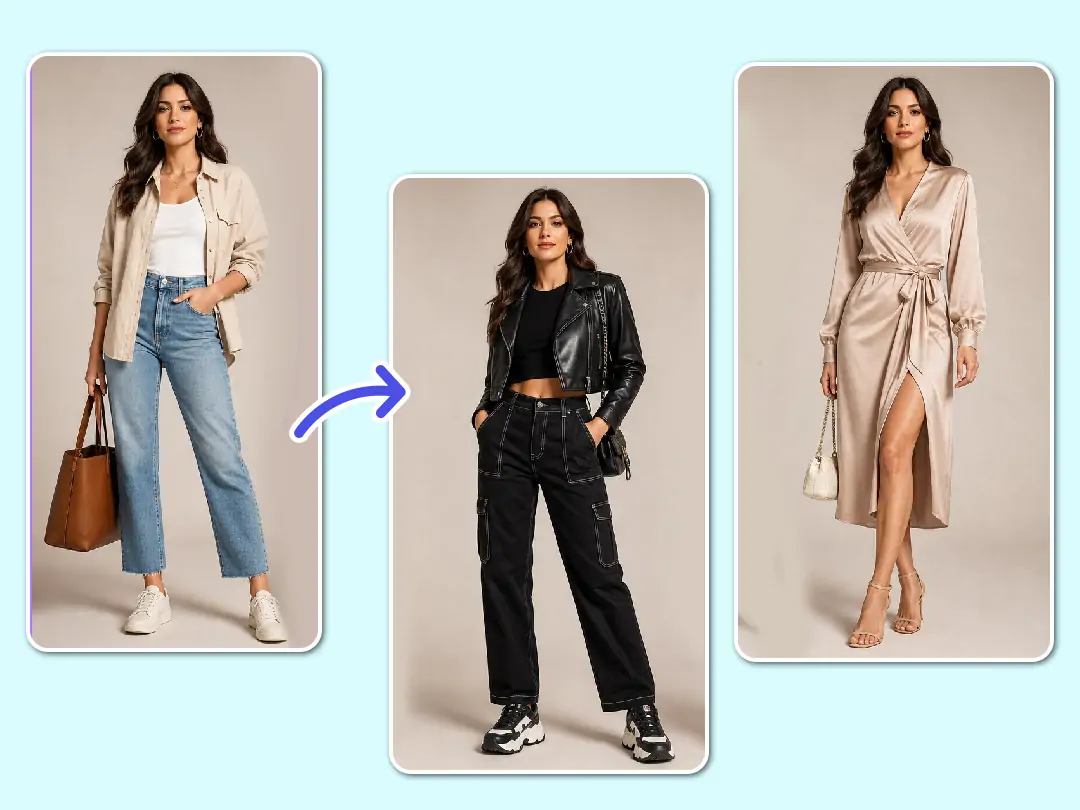
Try On Clothes Virtually
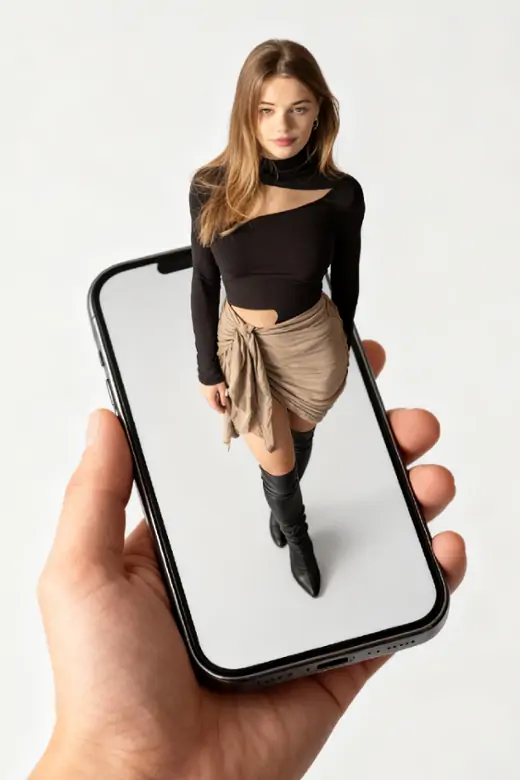
Test new fashion outfits without visiting a physical store. Just upload your full-body photo to start dressing up. Our smart AI image to image technology perfectly maps new clothing items onto your body. You can see how different colors look on you instantly.
Avoid buying clothes that do not match your daily style. Preview your fashion choices with absolute confidence. You can easily convert image to picture to swap outfits seamlessly. Discover your best look and build your dream wardrobe directly from your phone.
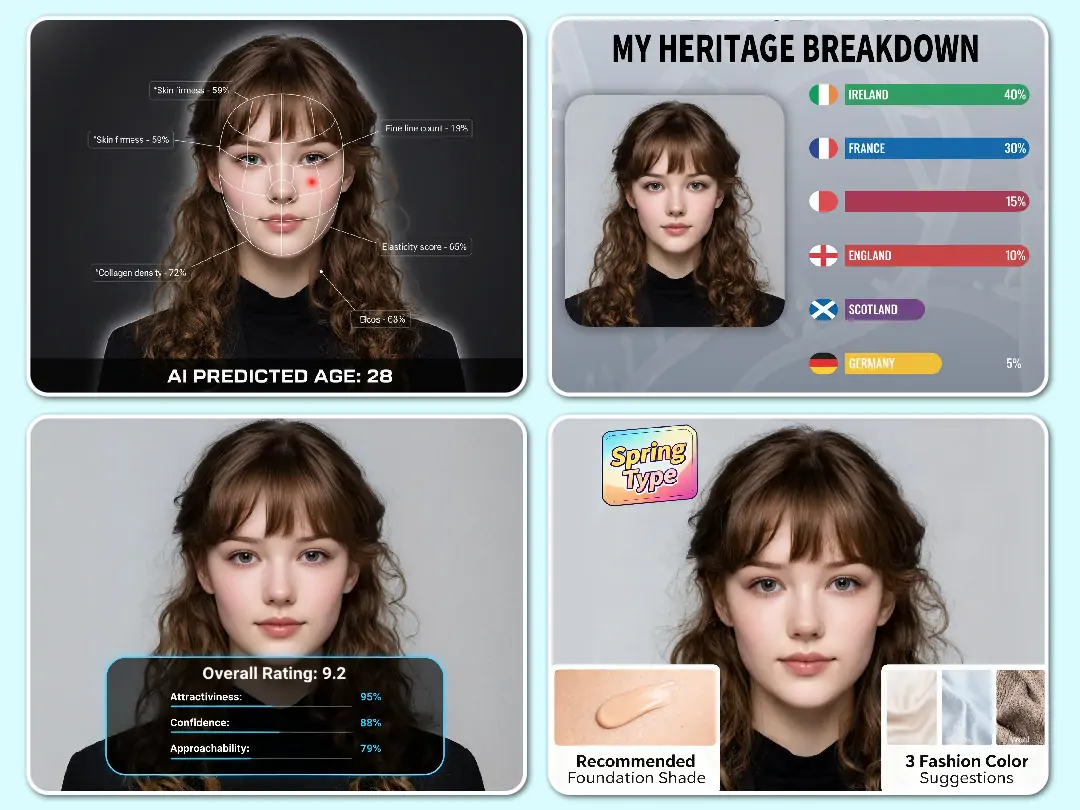
Play Fun Photo Scoring Tests
Unlock unique insights into your photos through entertaining AI analysis tests. Test your fashion sense or guess your visual age in just a few seconds. You can even check your facial proportions or get a playful charm score. Our advanced AI image generator from existing image makes these tests fun.
Join popular social media trends by generating shareable photo scorecards instantly. Discover your current skin state or receive unique style matches for your look. This powerful AI picture from picture transformer provides funny ratings for all your selfies. Share these creative results with friends to get more likes online.
How Can Different Industries Use This AI Image to Image Generator?
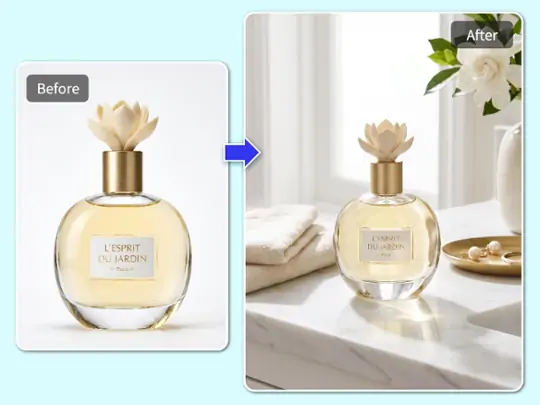
Upgrade E-commerce Product Shots
Quickly convert image to picture by adding realistic beach or cafe backgrounds to simple white product photos, saving expensive photography costs.
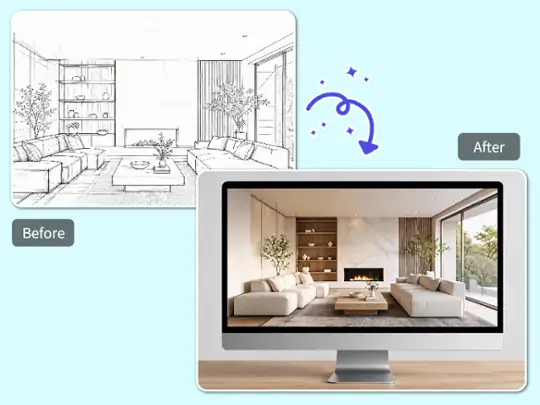
Render Professional Design Drafts
Upload rough CAD sketches to generate image from image with realistic lighting and stunning minimalist styles for impressive client presentations.
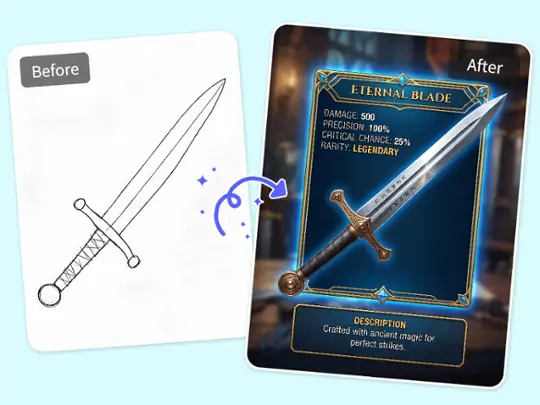
Create Game Assets Instantly
Turn basic weapon outlines into high-quality icons using this smart AI image to image tool, completely cutting down expensive outsourcing fees.
How to Use Pokecut's Image to Image AI Generator
Step 1: Upload Your Reference Image
Choose the photo, product shot, sketch, or portrait you want to change. A clear source image usually gives cleaner results.
Step 2: Enter Your Text Prompt & Style
Write what you want the picture to become, then choose a model that matches the style, speed, or detail you need for the edit.
Step 3: Preview and Download
Check the result, adjust the prompt if needed, and download the final photo when the style and subject both look right.

What Do Users Say About Pokecut's AI Image to Imgae Tool?
Creators, sellers, and casual editors use Pokecut for quick image-to-image changes.


Maya R.

"I used it to turn simple selfies into profile ideas before choosing one for my new account. The best part is that the face still looked like me, just with a different mood."
Ethan K.
"My store only had white-background product photos. Pokecut helped me make lifestyle scene drafts that were good enough to test ads before booking a real shoot."
Priya S.
"I tried a few hair colors on an old portrait. Some prompts needed a second pass, but it was much easier than editing the hair by hand."
Carlos M.
"For early game icons, this saved me a lot of back and forth. I could turn rough sketches into clearer asset directions before sending them to an artist."
Linda P.
"I am not a Photoshop person, so the prompt-based workflow helped. Uploading a picture and explaining the style felt natural."
Noah B.
"The model options are useful when one version feels too soft or too detailed. I like being able to switch and compare the look."
Maya R.
"I used it to turn simple selfies into profile ideas before choosing one for my new account. The best part is that the face still looked like me, just with a different mood."
Ethan K.
"My store only had white-background product photos. Pokecut helped me make lifestyle scene drafts that were good enough to test ads before booking a real shoot."
Priya S.
"I tried a few hair colors on an old portrait. Some prompts needed a second pass, but it was much easier than editing the hair by hand."
Carlos M.
"For early game icons, this saved me a lot of back and forth. I could turn rough sketches into clearer asset directions before sending them to an artist."
Linda P.
"I am not a Photoshop person, so the prompt-based workflow helped. Uploading a picture and explaining the style felt natural."
Noah B.
"The model options are useful when one version feels too soft or too detailed. I like being able to switch and compare the look."
Maya R.
"I used it to turn simple selfies into profile ideas before choosing one for my new account. The best part is that the face still looked like me, just with a different mood."
Ethan K.
"My store only had white-background product photos. Pokecut helped me make lifestyle scene drafts that were good enough to test ads before booking a real shoot."
Priya S.
"I tried a few hair colors on an old portrait. Some prompts needed a second pass, but it was much easier than editing the hair by hand."
Carlos M.
"For early game icons, this saved me a lot of back and forth. I could turn rough sketches into clearer asset directions before sending them to an artist."
Linda P.
"I am not a Photoshop person, so the prompt-based workflow helped. Uploading a picture and explaining the style felt natural."
Noah B.
"The model options are useful when one version feels too soft or too detailed. I like being able to switch and compare the look."
Maya R.
"I used it to turn simple selfies into profile ideas before choosing one for my new account. The best part is that the face still looked like me, just with a different mood."
Ethan K.
"My store only had white-background product photos. Pokecut helped me make lifestyle scene drafts that were good enough to test ads before booking a real shoot."
Priya S.
"I tried a few hair colors on an old portrait. Some prompts needed a second pass, but it was much easier than editing the hair by hand."
Carlos M.
"For early game icons, this saved me a lot of back and forth. I could turn rough sketches into clearer asset directions before sending them to an artist."
Linda P.
"I am not a Photoshop person, so the prompt-based workflow helped. Uploading a picture and explaining the style felt natural."
Noah B.
"The model options are useful when one version feels too soft or too detailed. I like being able to switch and compare the look."
Maya R.
"I used it to turn simple selfies into profile ideas before choosing one for my new account. The best part is that the face still looked like me, just with a different mood."
Ethan K.
"My store only had white-background product photos. Pokecut helped me make lifestyle scene drafts that were good enough to test ads before booking a real shoot."
Priya S.
"I tried a few hair colors on an old portrait. Some prompts needed a second pass, but it was much easier than editing the hair by hand."
Carlos M.
"For early game icons, this saved me a lot of back and forth. I could turn rough sketches into clearer asset directions before sending them to an artist."
Linda P.
"I am not a Photoshop person, so the prompt-based workflow helped. Uploading a picture and explaining the style felt natural."
Noah B.
"The model options are useful when one version feels too soft or too detailed. I like being able to switch and compare the look."
Carlos M.
"For early game icons, this saved me a lot of back and forth. I could turn rough sketches into clearer asset directions before sending them to an artist."
Linda P.
"I am not a Photoshop person, so the prompt-based workflow helped. Uploading a picture and explaining the style felt natural."
Noah B.
"The model options are useful when one version feels too soft or too detailed. I like being able to switch and compare the look."
Maya R.
"I used it to turn simple selfies into profile ideas before choosing one for my new account. The best part is that the face still looked like me, just with a different mood."
Ethan K.
"My store only had white-background product photos. Pokecut helped me make lifestyle scene drafts that were good enough to test ads before booking a real shoot."
Priya S.
"I tried a few hair colors on an old portrait. Some prompts needed a second pass, but it was much easier than editing the hair by hand."
Carlos M.
"For early game icons, this saved me a lot of back and forth. I could turn rough sketches into clearer asset directions before sending them to an artist."
Linda P.
"I am not a Photoshop person, so the prompt-based workflow helped. Uploading a picture and explaining the style felt natural."
Noah B.
"The model options are useful when one version feels too soft or too detailed. I like being able to switch and compare the look."
Maya R.
"I used it to turn simple selfies into profile ideas before choosing one for my new account. The best part is that the face still looked like me, just with a different mood."
Ethan K.
"My store only had white-background product photos. Pokecut helped me make lifestyle scene drafts that were good enough to test ads before booking a real shoot."
Priya S.
"I tried a few hair colors on an old portrait. Some prompts needed a second pass, but it was much easier than editing the hair by hand."
Carlos M.
"For early game icons, this saved me a lot of back and forth. I could turn rough sketches into clearer asset directions before sending them to an artist."
Linda P.
"I am not a Photoshop person, so the prompt-based workflow helped. Uploading a picture and explaining the style felt natural."
Noah B.
"The model options are useful when one version feels too soft or too detailed. I like being able to switch and compare the look."
Maya R.
"I used it to turn simple selfies into profile ideas before choosing one for my new account. The best part is that the face still looked like me, just with a different mood."
Ethan K.
"My store only had white-background product photos. Pokecut helped me make lifestyle scene drafts that were good enough to test ads before booking a real shoot."
Priya S.
"I tried a few hair colors on an old portrait. Some prompts needed a second pass, but it was much easier than editing the hair by hand."
Carlos M.
"For early game icons, this saved me a lot of back and forth. I could turn rough sketches into clearer asset directions before sending them to an artist."
Linda P.
"I am not a Photoshop person, so the prompt-based workflow helped. Uploading a picture and explaining the style felt natural."
Noah B.
"The model options are useful when one version feels too soft or too detailed. I like being able to switch and compare the look."
Maya R.
"I used it to turn simple selfies into profile ideas before choosing one for my new account. The best part is that the face still looked like me, just with a different mood."
Ethan K.
"My store only had white-background product photos. Pokecut helped me make lifestyle scene drafts that were good enough to test ads before booking a real shoot."
Priya S.
"I tried a few hair colors on an old portrait. Some prompts needed a second pass, but it was much easier than editing the hair by hand."
Carlos M.
"For early game icons, this saved me a lot of back and forth. I could turn rough sketches into clearer asset directions before sending them to an artist."
Linda P.
"I am not a Photoshop person, so the prompt-based workflow helped. Uploading a picture and explaining the style felt natural."
Noah B.
"The model options are useful when one version feels too soft or too detailed. I like being able to switch and compare the look."
Maya R.
"I used it to turn simple selfies into profile ideas before choosing one for my new account. The best part is that the face still looked like me, just with a different mood."
Ethan K.
"My store only had white-background product photos. Pokecut helped me make lifestyle scene drafts that were good enough to test ads before booking a real shoot."
Priya S.
"I tried a few hair colors on an old portrait. Some prompts needed a second pass, but it was much easier than editing the hair by hand."
Reviews from: Reddit, Product Hunt, G2, TrustRadius, Google Play, App Store, and more.
Pokecut Trusted by Millions of Leaders and Users

1M+ Users Worldwide
Pokecut generates over 500,000 images every day

#2 on Product Hunt
Pokecut launched and won #2 product of the day

Professional Privacy Protection
Ensure 100% data privacy for every photo

Trusted by Well-known Brands
Apple、Google、Paypal、Stripe、Product hunt、G2、TrustRadius
Frequently Asked Questions
Can I Use Image to Image AI Without Photoshop Skills?
Yes. Pokecut is built for users who do not work with layers or masks. Upload a source image, describe the change in plain words, pick a model, and preview the result before downloading the edited photo.
What Kind of Photos Work Best With Image to Image AI?
Clear portraits, product photos, room sketches, and simple object images usually work best. Pokecut needs enough visual information to keep the subject readable while changing the style, scene, or overall photo mood.
Can It Keep the Person Recognizable After Editing?
In many portrait edits, yes, as long as your prompt asks for a style or scene change rather than a new identity. Check the preview, then adjust the prompt if the face, hair, or expression changes too much.
Is Image to Image AI Different From Text-to-Image?
Yes. Text-to-image starts from words only. Image to image AI starts with your existing photo, so the composition, subject, and visual reference guide the final result more closely while you still control the new style.
Can Image to Image AI Support Product and Design Drafts?
Yes. Sellers can create product scene drafts, while designers can turn rough sketches into clearer concept visuals. It is useful for testing a direction before paying for a full shoot, render, or production workflow.






